Reminder FLEX & Instant Blood Pressure Tracker android app official site
Celestial Brain -Mobile app developer-
  • Google Play Store
    • Reminder FLEX
    • Instant BP Tracker
  • Reminder FLEX FAQ
  • Instant BP FAQ
  • News & updates
  • Contact us
  • Reminder FLEX FAQ
  • Instant Blood Pressure Tracker FAQ
  • Google Play Store

Change notification tone/sound?

Notification
2025.08.07 2022.04.01

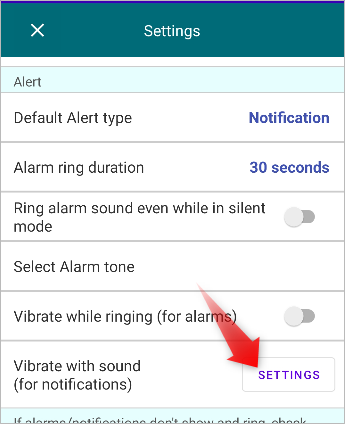
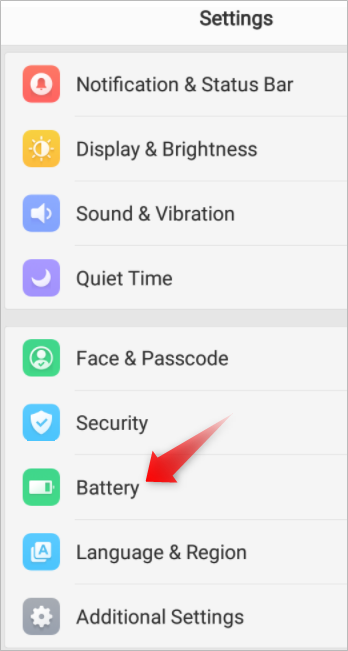
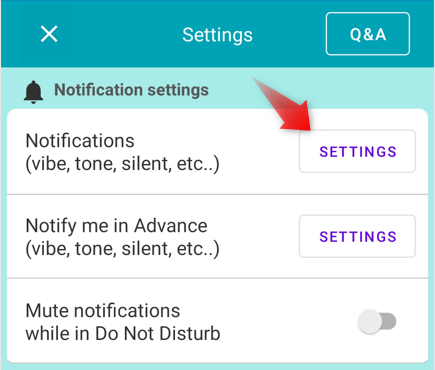
Open Reminder FLEX app Settings

now you can change the notification tone from “Sound” .
Notification
TwitterFacebookはてブPocketLINEPinterest
Celestial Brain -Mobile app developer-

FAQ page

Reminder FLEX on Google Play Store

Related posts

Notification

Full-screen notifications: how to use it?

the Full-Screen Notification feature has been implemented. (from Ver.28) In the case of a standard notification, it a...
How to stop optimizing Reminder FLEX on OPPO device to alarms go off realtime?
Autostart & Disable Optimization for Each Brand.

コメント

コメントをどうぞ Cancel reply

Your email address will not be published. Required fields are marked *

ホーム
Reminder FLEX
FAQ
Alarting
Notification

Reminder FLEX FAQ

Instant Blood Pressure Tracker FAQ


Reminder FLEX nagging you so you won't miss your tasks. Super easy yet flexible.

Recent Posts

  • Instant Blood Pressure Tracker Privacy Policy
  • Change Speed of Text-to-speech (Read too fast/slow)
  • Hide BP photos from the Gallery on Samsung Galaxy
  • How to Test Text-to-Speech Playback
  • “Limit to 500 alert” message appears.
Celestial Brain -Mobile app developer-
  • Contact us
© 2022 Celestial Brain -Mobile app developer-.