Alarting

Text-to-speech

Change Speed of Text-to-speech (Read too fast/slow)

If the speech is too fast or too slow, you can change the speed in your device's text-to-speech settings.Open your devic...
Text-to-speech
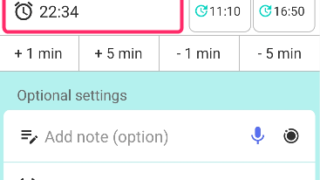
How to Test Text-to-Speech Playback

How to Test Text-to-Speech PlaybackTo test the text-to-speech playback of the reminder title, set the reminder date and ...
Alert general

“Limit to 500 alert” message appears.

This article explains why the message “Your device limits the number of active alarms to 500 or fewer. The limit has bee...
Text-to-speech

Delay the 2nd reading when read aloud twice

*This feature is available in Ver. 30.2 and later. (Update the app)When the "Read twice" feature is enabled, the second ...
Repeat

Change the next repeat date or time only

Here is how to change the date or time of a repeating reminder for the next occurrence only.Examples You normally have a...
Alarm

Morning Alarm Not Ringing? Device Auto Restart May Be the Cause

When using Reminder FLEX as a wake-up alarm, if the alarm does not ring in the morning for some reason, the cause is tha...
Alarting

How to change default alert type?

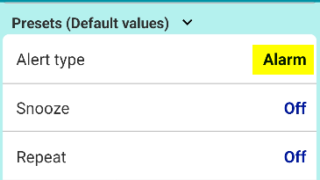
To have a specific alert type, such as "Alarm," pre-selected by default when creating a new reminder, you can change the...
Snooze

Snooze or “Postpone to Tomorrow” Button Not Showing? Here’s Why

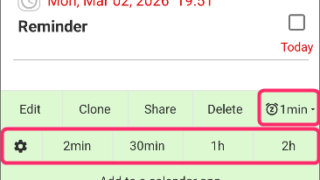
These one-tap snooze buttons appear automatically only when certain conditions are met. (This also applies to the snooze...
Notification

Full-screen notifications: how to use it?

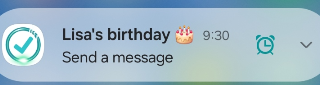
the Full-Screen Notification feature has been implemented. (from Ver.28)In the case of a standard notification, it appea...
Alarting

When alerts not ring or work, check these

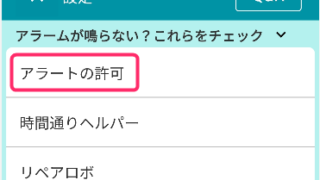
If alerts such as "Notification, Alarm, or Text-to-speech" do not ring or arrive, please check the following.1. Are all ...