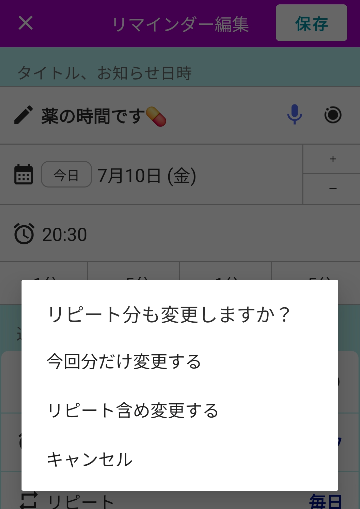
Here is how to change the date or time of a repeating reminder for the next occurrence only.
Examples
- You normally have a reminder repeat every Tuesday, but you want it to ring on Wednesday next week only, then return to Tuesday from the following week.
- You have a reminder that repeats every day at 8:00, but you want it to ring at 7:30 tomorrow only, then return to 8:00 from the day after tomorrow.
How to Change the Next Occurrence Only
Tap Edit, change the date or time, and then tap Save.
If the app determines that the change can be treated as a temporary change, the following dialog will appear.
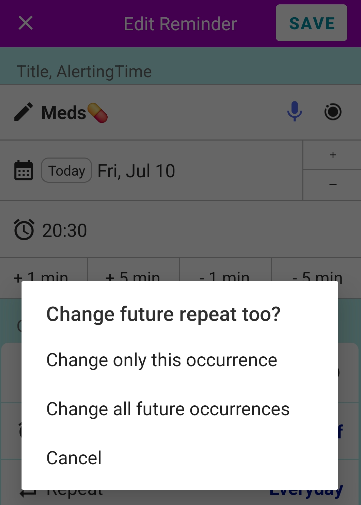
When this dialog appears, tap Change only this occurrence. The reminder will ring at the newly selected date and time for the next occurrence only, and will then return to its original repeating schedule.
Note: If this dialog does not appear, the repeating schedule will automatically change to use the newly selected date or time as its new basis. To restore the original schedule, tap “Edit” again and set it back manually.