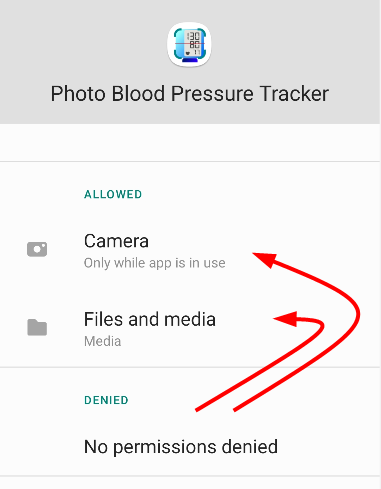
If you wrongly denied permisson, you need to allow them from settings to use app features.
First, go to settings of your device.
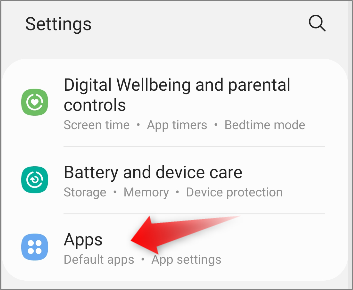
Then, apps > Blood Pressure Log: Quick Scan.
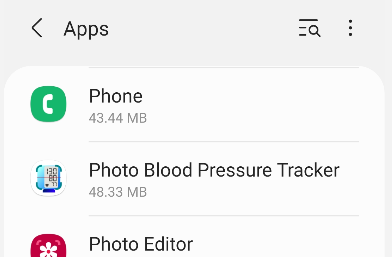
Permissions.
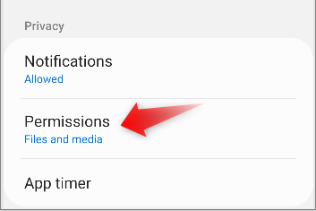
Tap Items in DENIED
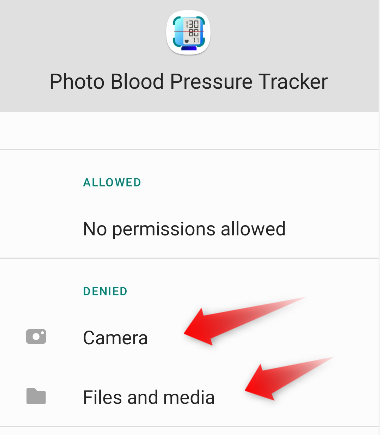
Then change them to “Allow access”
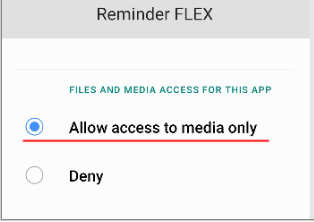
Now all permissons moved to ALLOWED, and the app works properly.