Reminder FLEX has 1-tap snooze/re-notify feature.
On notification
For PRO version, you can re-notify after certain minutes with tapping the button on a notification.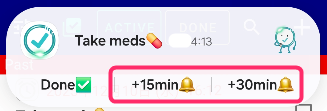
On the list
Tap a task of the list, then Long tap snooze button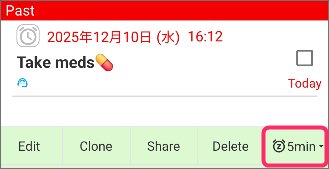
Select how many minutes. Then you can renotify same reminder after selected minutes.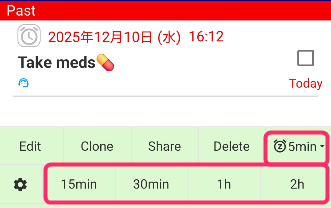
How to change preset minutes?
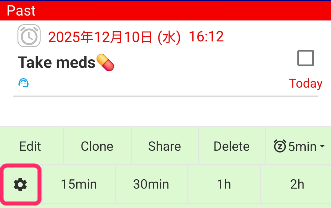
or
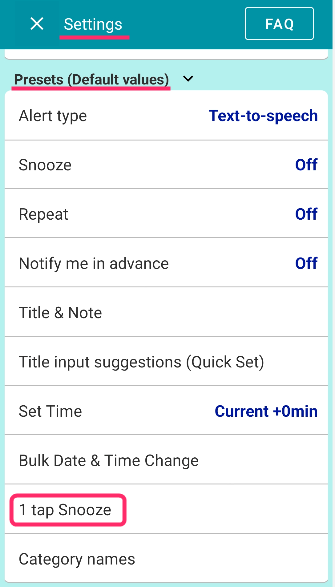
you can set preset minutes for the notification and the list.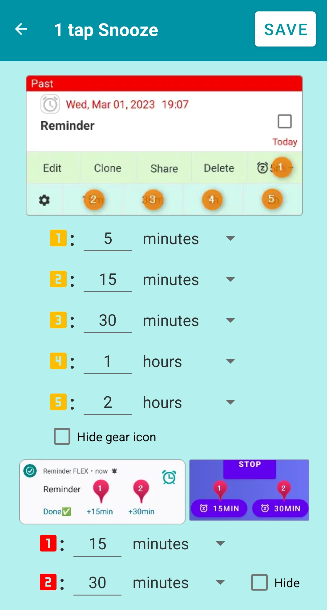
My reminder doesn’t show these minutes buttons. Why?
the minute-selection buttons (like the 15-minute option) appear after all of the initially scheduled snoozes have finished.
If you want these minute options to appear right from the first notification, please set the reminder with no snooze preselected.
Then, when the reminder rings the first time, the minute-selection buttons will be shown immediately.