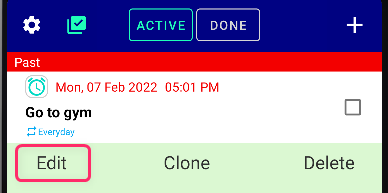
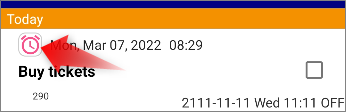
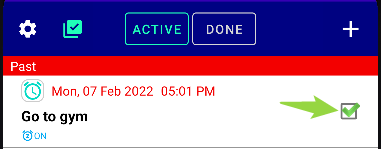
Just tick the checkbox. Then Snooze will Stop.
While PRO is activated

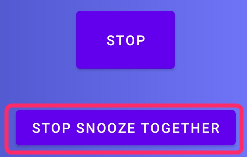
If you are PRO, you can press “Stop snooze” or “Stop Snooze & ✅️” on lockscreen/notifications & Snooze will stop.
If you do not want to mark the reminder as Done ✅ but only want to stop the snooze, tap “Stop Snooze” on the notification.
You can also activate PRO for a limited time in the free version by going to Settings → “Play Game.”