FAQ

General

Hide tips & (❓) links

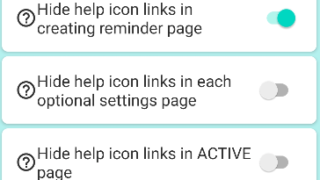
If you are using the Paid PRO version, you can hide the (❓) links/hint links/tips links/help links by following the step...
Snooze

Snooze or “Postpone to Tomorrow” Button Not Showing? Here’s Why

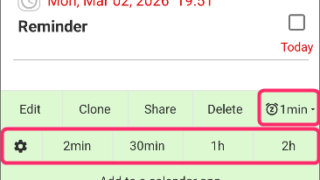
These one-tap snooze buttons appear automatically only when certain conditions are met. (This also applies to the snooze...
General

Red/Yellow bell icon is appearing on the settings icon

This guide explains the causes and solutions for when a yellow or red bell icon appears on the Settings icon.If these ic...
Notification

Full-screen notifications: how to use it?

the Full-Screen Notification feature has been implemented. (from Ver.28)In the case of a standard notification, it appea...
Alarting

When alerts not ring or work, check these

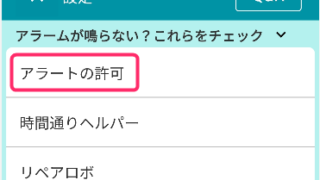
If alerts such as "Notification, Alarm, or Text-to-speech" do not ring or arrive, please check the following.1. Are all ...
Snooze

1-tap snooze/re-notify feature

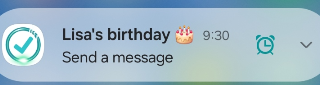
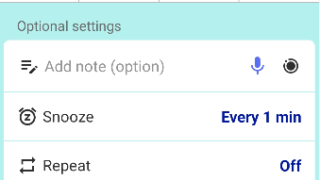
Reminder FLEX has 1-tap snooze/re-notify feature.On notificationFor PRO version, you can re-notify after certain minutes...
PRO

FAQ about PRO (FLEX)

Check the next billing day & Cancel PRO subscriptionYou can check next billing day & cancel subscription from Google Pla...
General

Quick Set feature

Quick Set is a feature that lets you save frequently used patterns.After setting the time, snooze, etc., press “Add to Q...
Backup

Send a backup file with Email

How to send a backup file saved on your device by email.After saving the backup to the Downloads folder, open a file exp...
PRO

How can I change my subscription plan?

For example, if you want to switch from a monthly to a yearly subscription:Method 1: Cancel the current subscription, wa...